To view your GPA and Academic Standing in your myWSU portal, follow the steps outlined below.
View your GPA
- Log in to the myWSU student portal
- Click the Student tab
- Find the Student Profile section
- Click the Student Transcript link
- Select the Transcript Level and Transcript Type and click Submit
(Image of Banner 9 Self-Service)
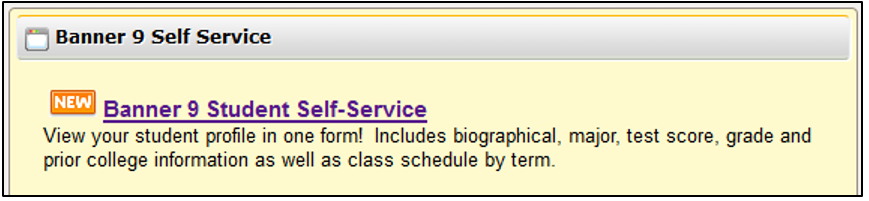
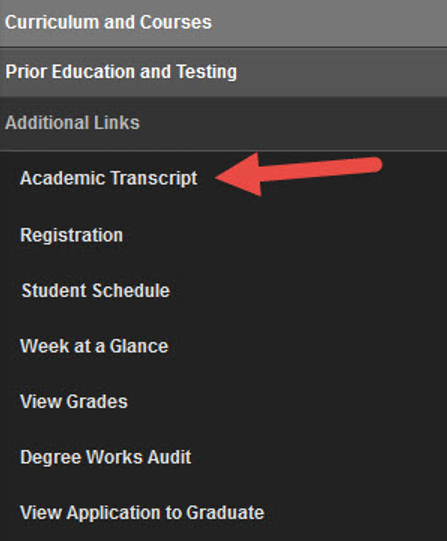
- Click on Academic Transcript located on the left side
(Image of Academic Transcript location)
- Select transcript level and Self-Service UNOFFICIAL as transcript type.
Once you pull up your unofficial transcript, you will see several links across the top (Transfer Credit, Institution Credit, and Transcript Totals). Click on Transcript Totals to view your Institutional, Transfer and Overall GPA. If you are currently enrolled, there will be another link for Courses In Progress.
View your Academic Standing
Listed under each semester of registration on your transcript, you will see your major, academic standing and additional standing (if applicable) as shown below.
(Image of Academic Standing information)

If you need to see what grades are needed to improve your GPA, you can use the WSU GPA Calculator found here.